Travel photographer
An unintended passerby draws attention away from a landmark. Review the space behind the person before attempting an edit.
A quieter composition, if the surrounding pavement and architecture can be reconstructed convincingly.
Practical examples
What are some uses for a Magic Eraser? The answer depends on whether you mean a melamine-foam sponge or a photo-editing tool. A magic eraser sponge can lift some marks from suitable hard surfaces; a digital eraser can remove a distracting element from an image. These uses need different precautions.
First identify what you want to erase. These guides separate photo cleanup from the physical sponge, so you can follow advice suited to the material in front of you.
For digital cleanup, the best examples have one clear distraction and enough surrounding detail to judge the result. Each of these uses calls for a different final check.
An unintended passerby draws attention away from a landmark. Review the space behind the person before attempting an edit.
A quieter composition, if the surrounding pavement and architecture can be reconstructed convincingly.
A small prop distracts from the product. Keep the product edges and its natural shadow intact.
A cleaner listing photo that still represents the item accurately.
An old date or draft caption needs to come off an image you have permission to edit.
Space for updated wording, provided the original background can be restored cleanly.
The surroundings compete with the subject, but the subject should remain unchanged.
A more focused portrait after checking hair and clothing edges.
A short workflow helps prevent a small cleanup from becoming a conspicuous repair.
In a photo, identify the unwanted person, object, or text without including details you want to keep. For a sponge, identify both the mark and the surface beneath it.
Work from a copy of the photo and assess a limited edit first. With a damp sponge, test a hidden spot using light pressure and follow the surface maker’s care instructions.
Zoom out and in on an image to check repeated patterns, warped edges, and altered shadows. On a household surface, stop if the finish becomes dull, discolored, or scratched.
In this illustrative product-photo pair, removing a distraction is only useful if the product and its setting remain believable.
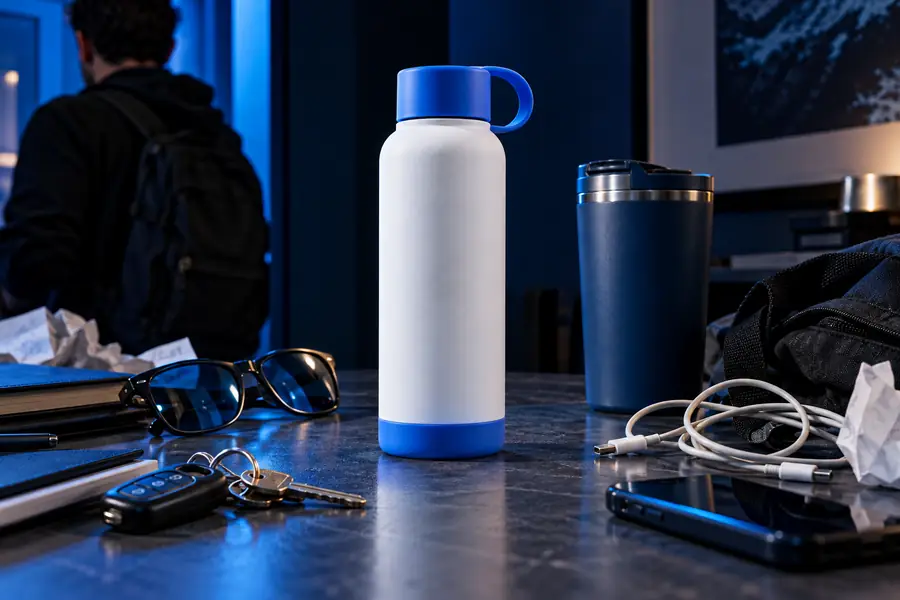
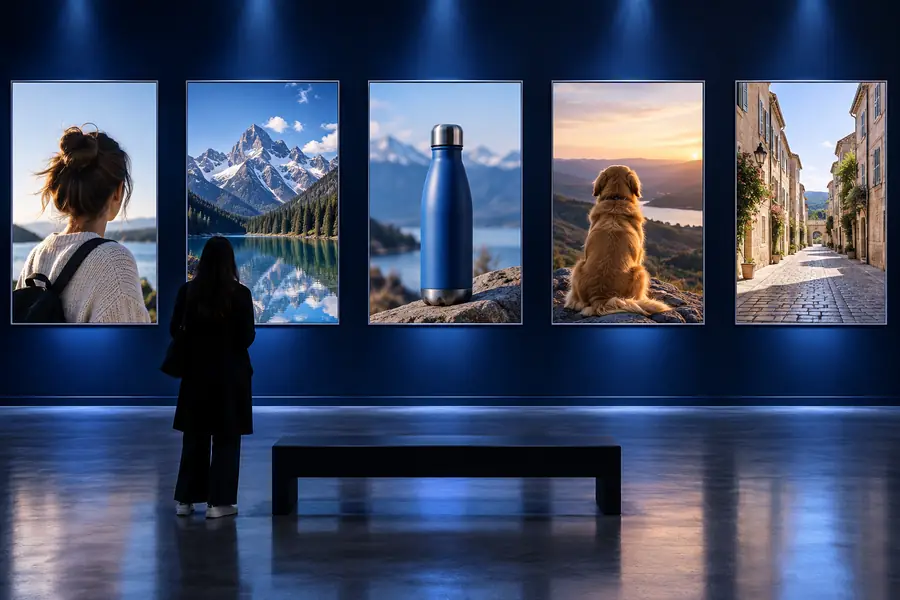
Compare the background texture, product outline, and contact shadow rather than judging the edit only at thumbnail size. This pair illustrates the quality check, not a guaranteed result.
Before: distraction visibleAfter: check the repair| Melamine-foam sponge | Digital photo cleanup | |
|---|---|---|
| Starting material | A physical mark on a surface | An image you can edit |
| Typical uses | Testing whether scuffs or grime lift from suitable hard surfaces | Reducing a distracting object, person, or unwanted text |
| How it works | Light physical abrasion | Replacing or reconstructing visible pixels |
| First precaution | Check care guidance and test an inconspicuous spot | Keep an untouched copy of the original |
| Main failure sign | Dulling, scratching, or color transfer | Smears, repeated texture, or distorted edges |
| Best stopping point | When the mark lifts without changing the finish | When the edit remains credible at the image’s intended viewing size |
Neither kind of magic eraser can make every target disappear without a trade-off. These limits are reasons to pause, not reasons to press harder.
Melamine foam is abrasive. Glossy paint, delicate coatings, and some plastics may lose sheen even when the mark disappears.
What to do instead
Check the manufacturer’s care instructions and test an inconspicuous area; choose a gentler approved cleaner if the finish changes.
Removing a large foreground subject can expose scenery that the original camera never captured.
What to do instead
Try a smaller crop or use another photo rather than presenting an invented background as a faithful record.
Hair, reflections, lettering, and overlapping objects make a clean digital repair harder to judge.
What to do instead
Inspect those boundaries at full size and retain the original if the repair looks misleading.
An editable image is not necessarily yours to alter or publish. Removing ownership marks or material context can misrepresent its source.
What to do instead
Use images you have rights to edit and preserve required attribution.
If your example involves a photo rather than a household surface, explore image tools and keep the original for comparison. Look closely at the repaired area before sharing any result.
A melamine-foam sponge is commonly used to test whether marks lift from suitable hard surfaces. In photo editing, a magic eraser refers to removing distractions such as a stray object or passerby. Check the surface finish or image details before deciding whether either use is appropriate.
No. Its abrasive action can dull or scratch some finishes, so a successful test on one surface does not prove it is safe on another. Follow the surface maker’s guidance and test a hidden area with light pressure.
Small distractions against a simple, consistent background are easier to assess than large subjects crossing complex scenery. Check nearby patterns, shadows, and edges at full size. Keep the original so you can compare what changed.
No. A sponge physically abrades material on a surface, while a digital edit changes image pixels and may need to invent detail behind the removed subject. The shared name does not mean the two methods have the same uses or risks.