Travel photographer
A passerby draws attention away from a landmark.
For a people-specific cleanup, remove people from photos explains how to protect the surrounding scene.
Edit with intention
A magic eraser can help turn a busy photo into one that draws attention to its subject. Start with a specific detail you want gone, then inspect the edited area before using the result.
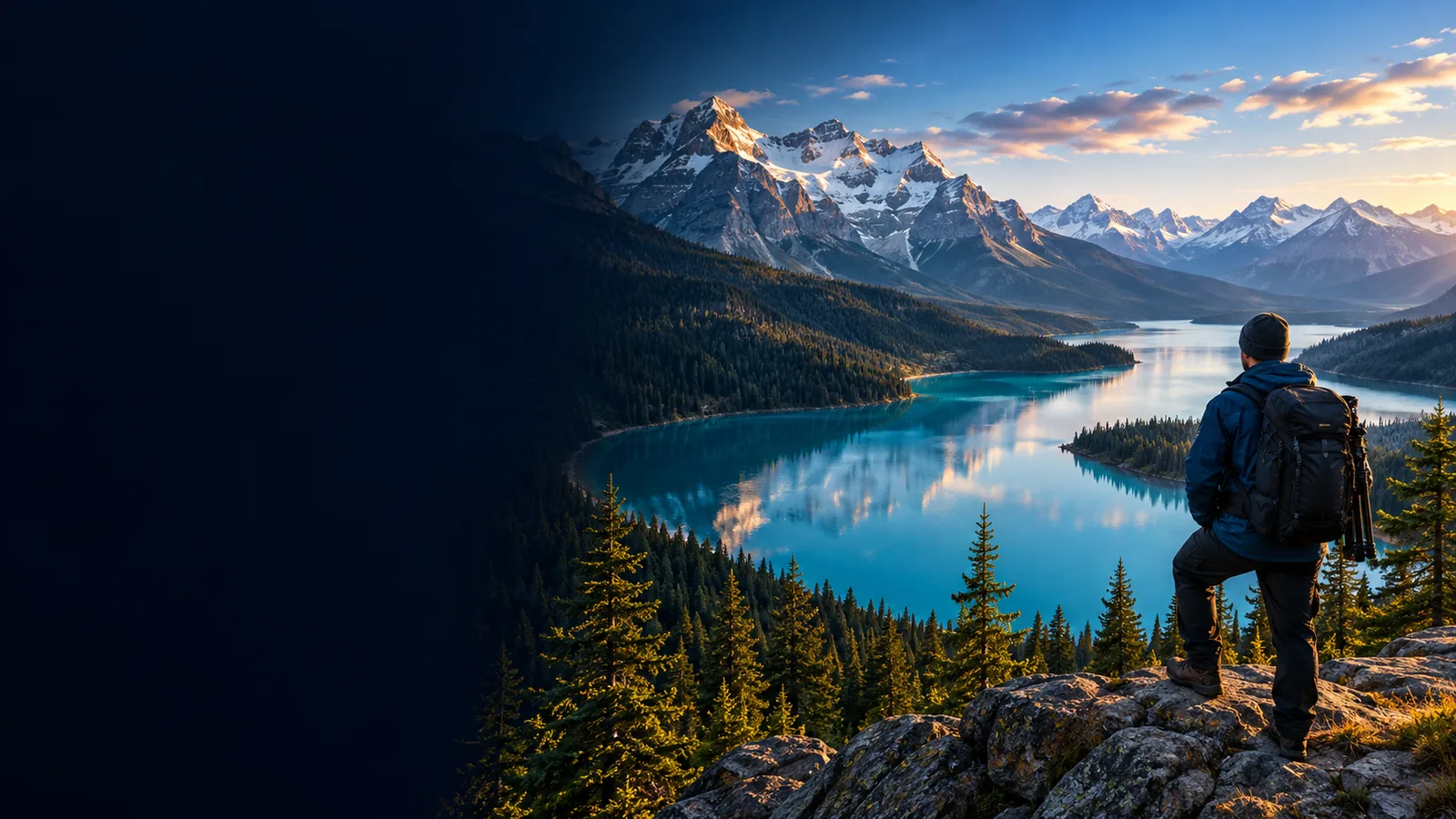
A photo cleanup changes a selected distraction rather than replacing the whole scene. Move the divider to compare the classroom image before and after the distracting detail is removed.

Before
Compare the surrounding desks and floor as well as the removed detail; believable continuity matters more than an empty patch.
After
Removing an object means reconstructing what might have been behind it. This table shows what to preserve while judging whether the change works.
| Original photo | Reviewed edit | |
|---|---|---|
| Main subject | Visible, but competing with the distraction | Still intact and easier to notice |
| Unwanted detail | Present in the frame | Removed without cutting into nearby subjects |
| Background | Shows the actual scene behind and around the detail | Reconstructed area should match nearby surfaces |
| Edges | Original object boundaries are visible | No obvious blur, halo, or repeated pattern |
| Light and shadow | Recorded by the camera | Consistent across the edited area |
| Framing | Original crop and perspective | Unchanged unless a separate crop was intended |
| Final check | Reference for the unedited scene | Inspect at normal size and zoomed in |
A useful instruction names the unwanted element and what must stay. Choose the task that fits the image rather than asking for a broad makeover.
A passerby draws attention away from a landmark.
For a people-specific cleanup, remove people from photos explains how to protect the surrounding scene.
An unwanted caption sits over an otherwise useful picture.
To tackle lettering while checking the texture beneath it, remove text from image covers that narrower task.
A licensed source image needs to be checked against its permitted uses.
If you own the image or have permission to alter it, remove watermark from image discusses that specific edit and its limitations.
The goal is a new visual interpretation, not a small cleanup.
For broader scene changes, image to image describes a different kind of transformation.
Keep the first pass narrow. Small, clearly described changes are easier to evaluate against the original.
Use a clear photo and identify one distraction. Keep the original available so you can compare the composition afterward.
Name what should disappear and what should remain, including nearby people, surface texture, lighting, and framing where relevant.
Check the edited area at full view and close up. Look for broken lines, repeated textures, unusual shadows, or changes to the main subject.
Describe the unwanted detail and the parts of the photo you want preserved. Treat any generated edit as a draft: compare it with your original and keep only a result that holds up on close inspection.
In photo editing, the term usually refers to removing a selected visual distraction and filling the space it occupied. The filled area is an estimate, not a recovery of whatever the camera originally captured behind the object.
A small distraction against a simple, consistent background is generally easier to evaluate than an object crossing faces, hands, or intricate patterns. Even a convincing result should be checked along its edges and in the surrounding texture.
Keep a separate copy of the source before editing. That lets you compare the result, retry with a narrower instruction, or return to the unedited image if important details changed.
The tool may have too little visible background to infer the missing detail, especially around sharp lines or complex textures. Try targeting a smaller area, then inspect the result at the size where you intend to use the photo.